comment-plusComments

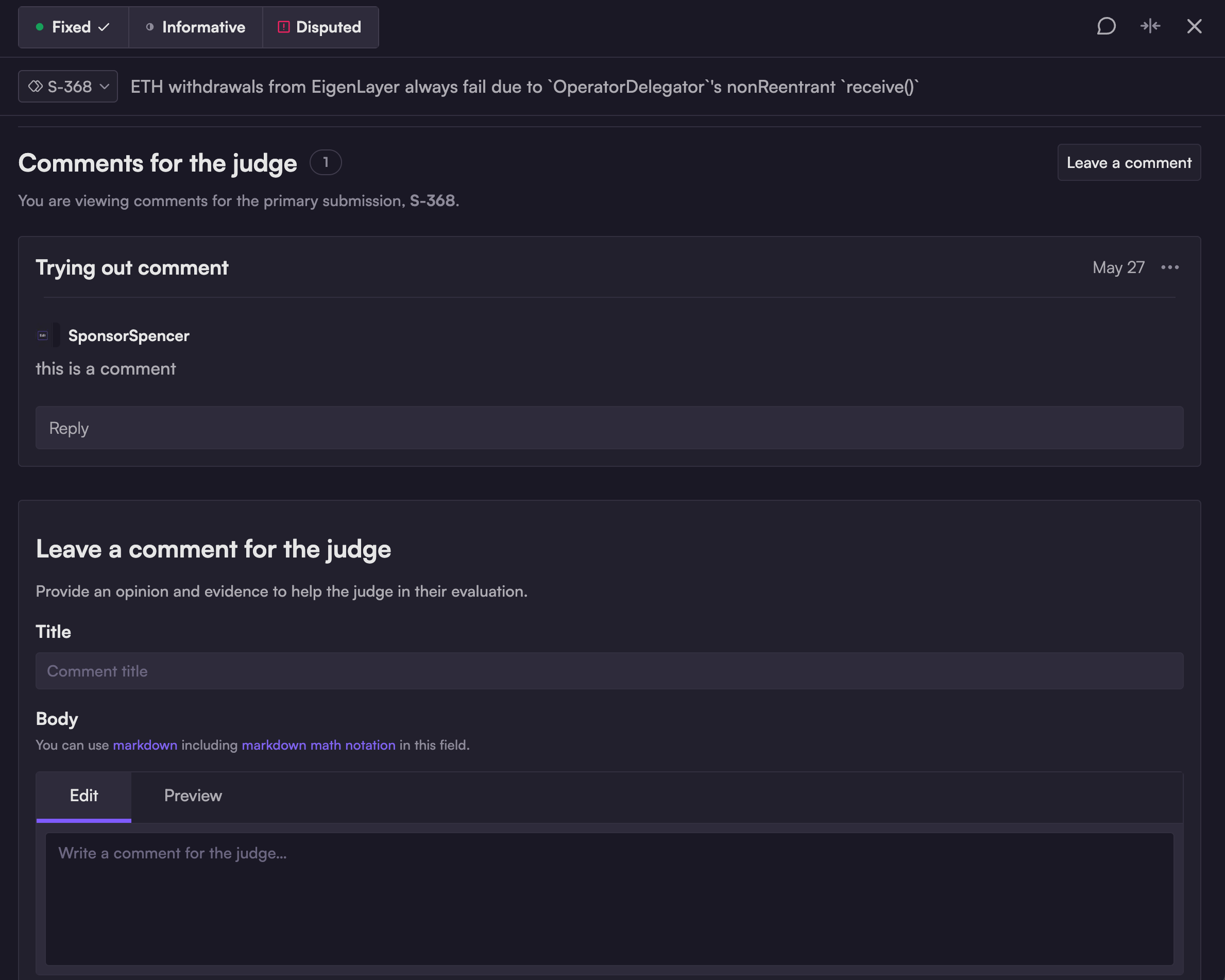
Sponsors are welcome to leave comments on any submission. Comments are primarily reviewed by the judge, who will take them into account during their deliberations on validity and severity.

The comment section sits at the bottom of the individual submission screen.
Comments can be threaded for clarity.

Viewing recent comments

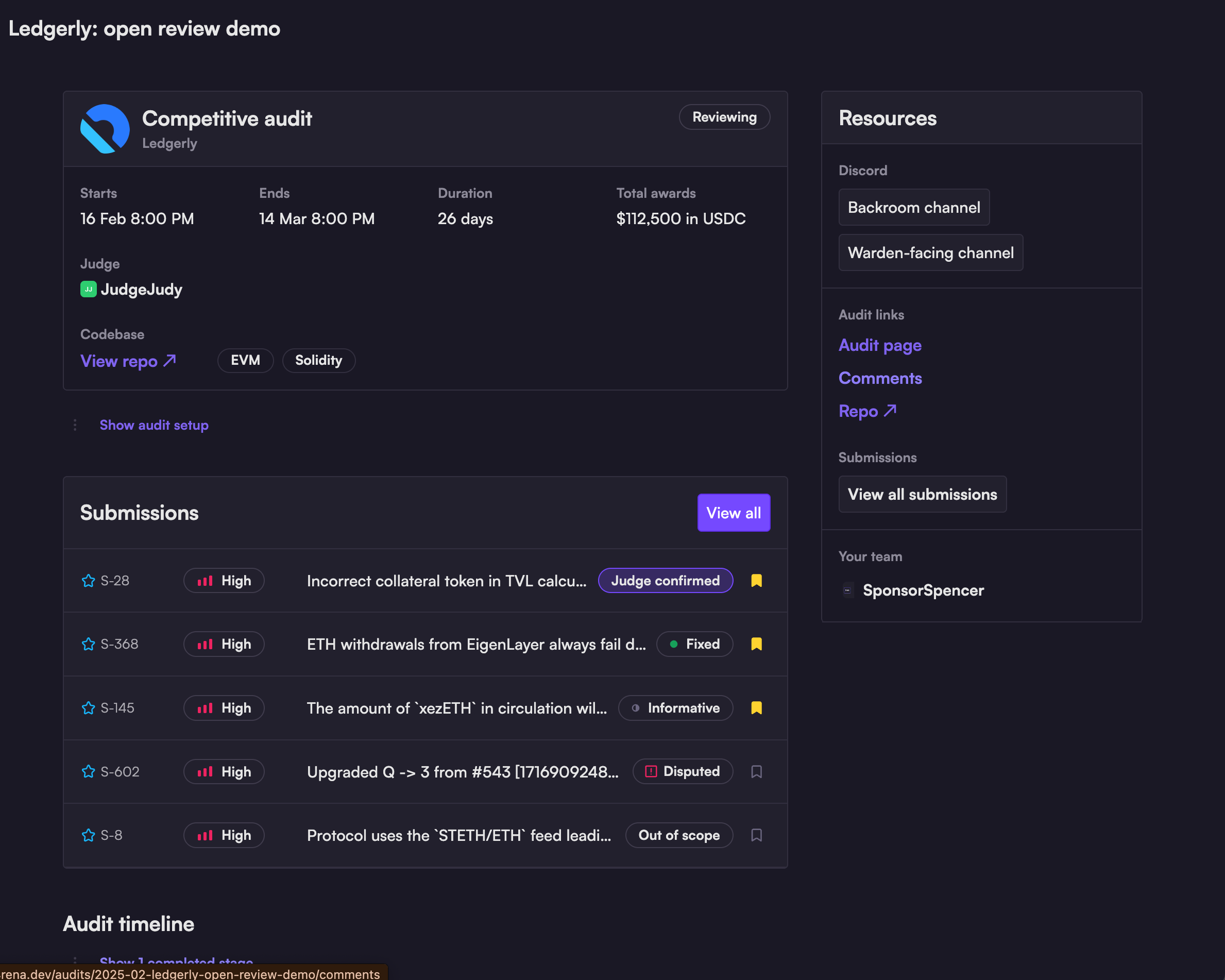
The quickest way to access all comments on your audit submissions is from your audit dashboard: there is a handy "Comments" link in the right sidebar that points to a comment list, sorted by recency.

Clicking the "Comments" link will take you to a date-sorted list of every comment on your audit submissions.
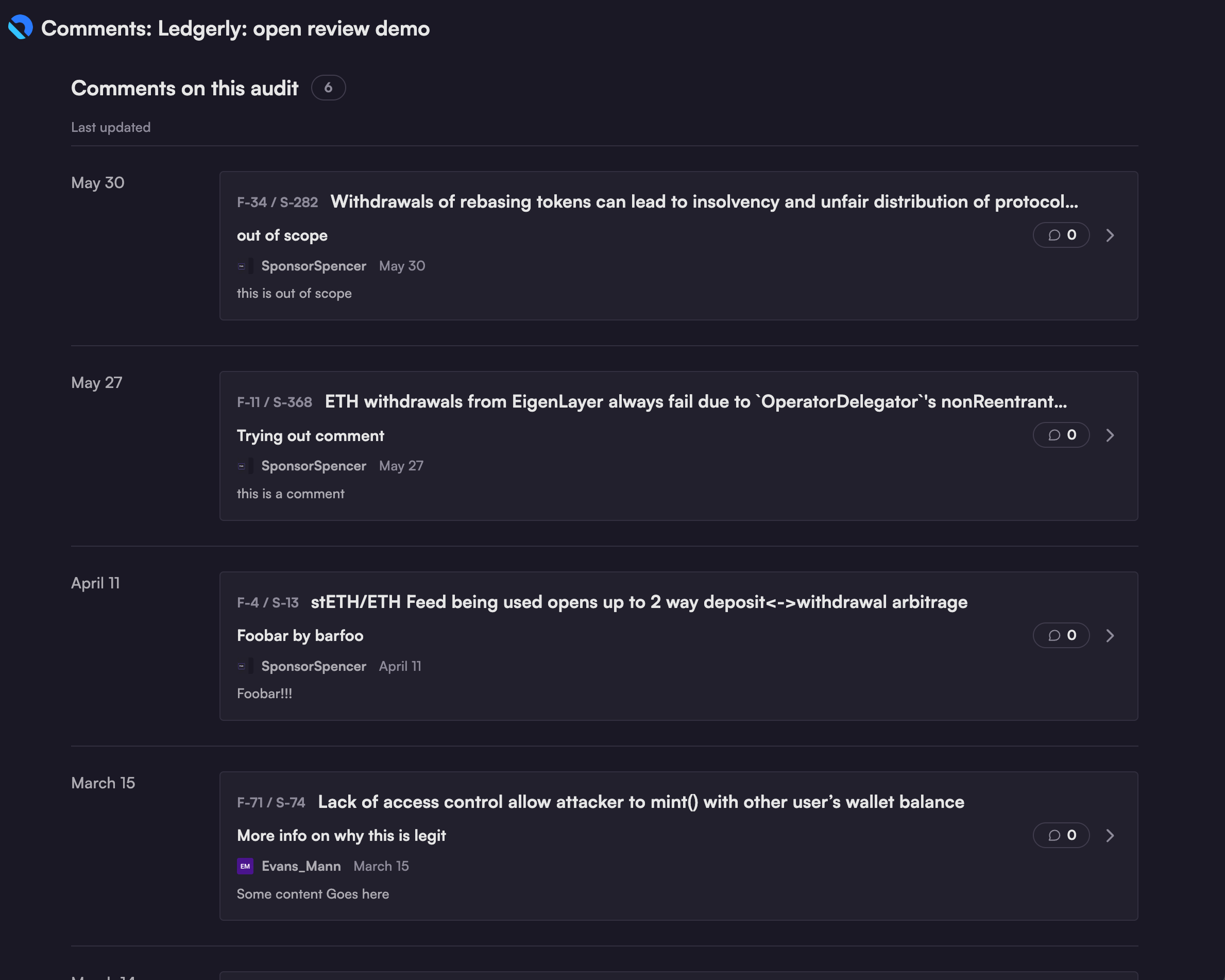
The comment list displays the number of replies to each comment, along with the username of the commenter and the date of the most recent comment.

Who can comment?

circle-info

Don't be surprised if you see some new and unfamiliar usernames during the post-judging QA phase of your audit; those are SR wardens, a subset of KYC'd, high-signal wardens who have earned the privilege of participating in a 48-hour QA discussion period with the judge.

Comment privileges vary depending on the phase of the audit:

  • From launch through completion:

    • Authenticated members of your team

    • Judge(s) assigned to your audit

  • Post-judging QA phase:

    • Certified (KYC'd) wardens may comment during this 48-hour period only.

Last updated

Was this helpful?